
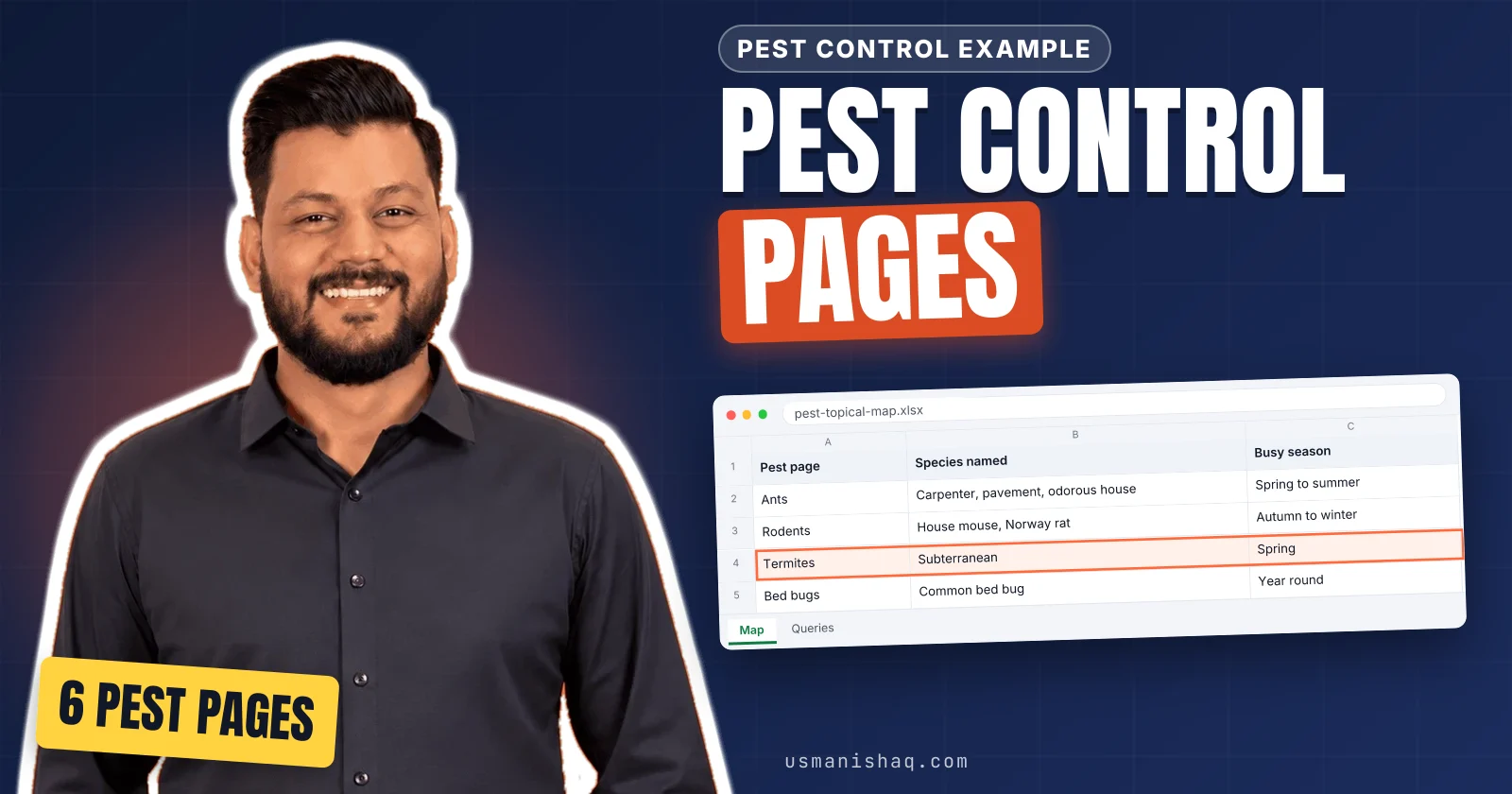
A topical map for a pest control website lists pest, plan and town pages, built from your species and your licences.
Someone with ants in the kitchen and someone with termite damage in a wall are not the same customer. Their searches differ and so do your trucks, your products and your paperwork. The map gives each of them one page.
The species ledger comes first, a one-sheet list of what you treat. Licences, plans and town pages all check against it.
Why the map starts from the pest, not the town
A pest control map starts from the pests your technicians treat today, with one page for each pest group.
Pest control sites tend to fail in one of two ways. Either a single Pest Services page lists thirty pests and owns none, or two hundred near-copies list every pest in every town. The map sits between those two.
You start from the pests your technicians treat today. Then you attach a search to each, a buyer, a season and a licence category. A page with no licence behind it does not make the map.
Pest pages by species and signs
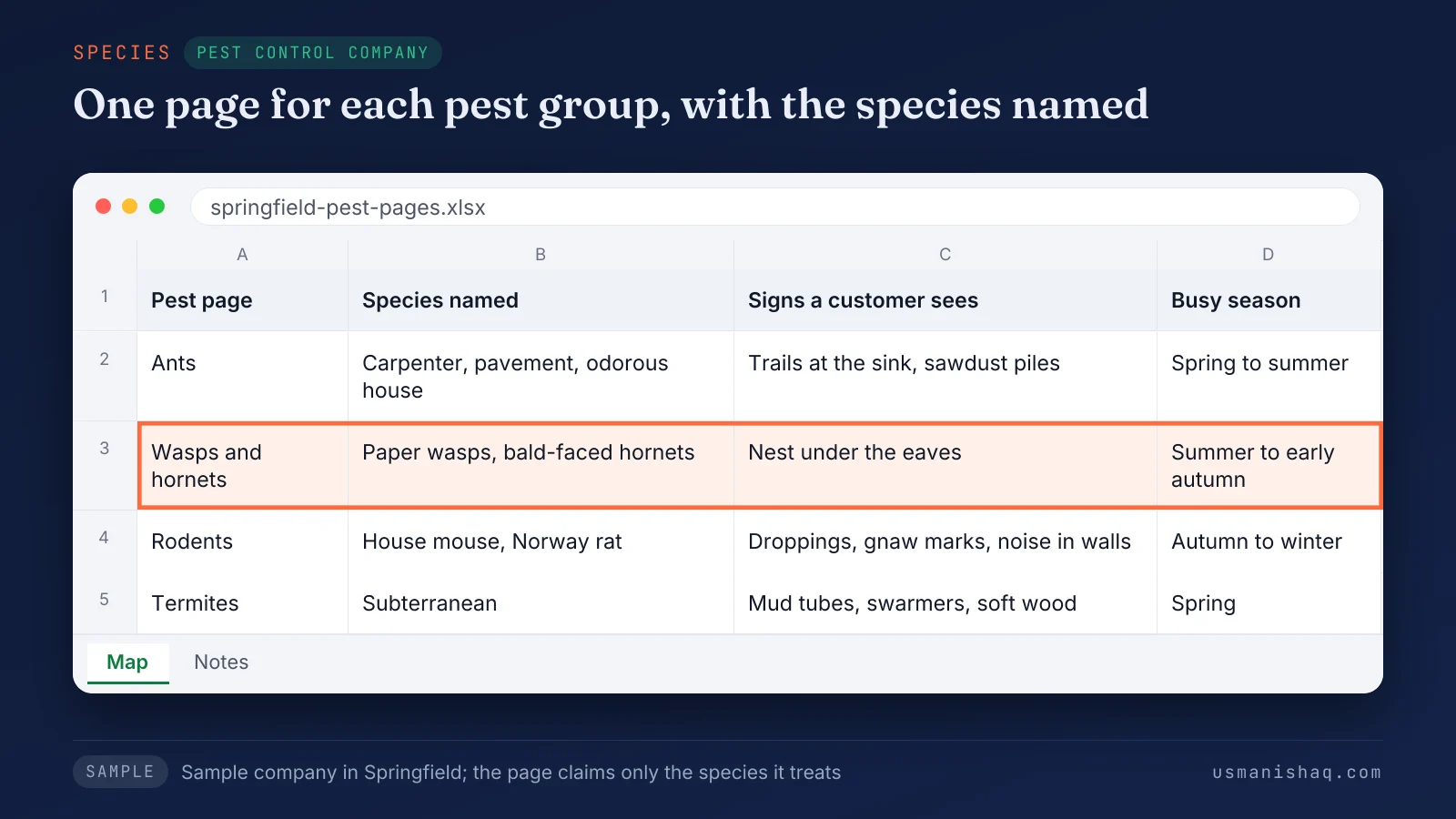
Give each pest group you treat its own page, with the species named on it.
Customers type the pest they see, in the word they would say out loud. That means "ants" or "mice" or "wasp nest", and rarely the Latin name. The page uses their word first and the species second.
The Springfield company below is made up, and its rows are a sample, not a client.
| Pest page | Species named | Signs a customer sees | Busy season |
|---|---|---|---|
| Ants | Carpenter, pavement, odorous house | Trails at the sink, sawdust piles | Spring to summer |
| Wasps and hornets | Paper wasps, bald-faced hornets | Nest under the eaves | Summer to early autumn |
| Rodents | House mouse, Norway rat | Droppings, gnaw marks, noise in walls | Autumn to winter |
| Termites | Subterranean | Mud tubes, swarmers, soft wood | Spring |
| Bed bugs | Common bed bug | Bites in a line, spots on sheets | Year round |
| Cockroaches | German, American | Sightings at night, egg cases | Year round |
Each row is a page, and each page names the species the company treats. If the company does not treat a species, the page does not claim it.
Why does this matter? A customer who reads "we treat ants" and finds out the company only handles pavement ants will leave angry. The species column stops that promise before it is made.
Look up each pest word in search suggestions before it earns a row.
Licences and what the page may say
A pest control page states which licence category covers the work, and the company confirms that category with its state agency.
Rules differ by state and by service. Check yours. Termite work, general household pests and wildlife control often sit under separate categories. You hold the paperwork, so the page should match it.
I plan a licence column next to each pest row. It holds the category, the person who holds it and the date you last checked it. A technician who leaves takes a licence with him, and the page must change the same week.
Your page also stays inside what the label and the law allow. It names the treatment method the company uses, such as baiting, trapping or exclusion. It does not tell the customer how to apply a product at home.
Add one more line to every pest page. It says who visits, how long the visit takes and what the customer does before and after. Those facts are yours. No competitor page holds them.
Treatment and plan pages
A one-time treatment and a recurring plan need two pages, since each buyer wants something different next.
A homeowner with a wasp nest wants it gone this week, while one who dreads summer spiders wants a quarterly plan. One page cannot answer both.
Your plan page owns searches such as "quarterly pest control" and "pest control plan". It states what each visit covers, how often the technician returns and what happens between visits.
A commercial page is a third kind. Restaurants and warehouses want inspection records and a fast reply time, and they judge you on both. Commercial work, if you take it, sits in its own section.
Pest and town pages only where local proof exists
A town-level pest page earns its place only when the company has done that job there and can show it.
Some guides tell you to build every pest for every city. Google documentation says doorway abuse covers pages aimed at cities that funnel visitors to one page. A grid of near-copies may sit close to that line.
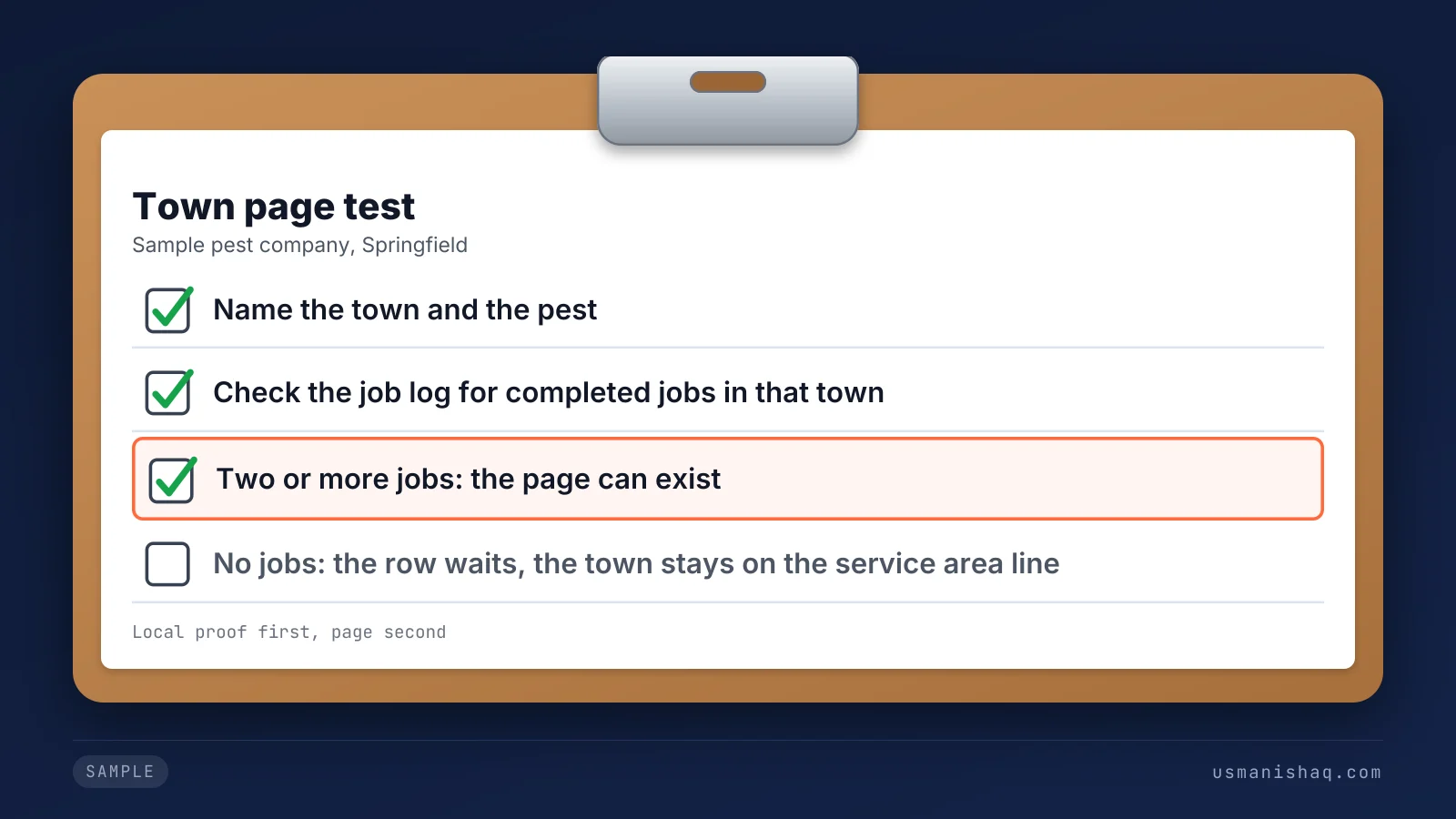
My test is short. List the town and the pest. Check the job log for completed jobs in that town for that pest. Count only visits that ended in a treatment and a closed ticket. Two or more, and the page can exist. None, and the row waits.
That page then holds what is true only there. Springfield might have older homes with crawl spaces and a river that sends mice indoors in autumn. If you can say that from your own job records, say it.
A town with no local proof stays as a name in the service area line of the main pest page. That list is a sentence, not a page.
The species ledger as a test
The species ledger is a one-sheet list that every page checks against before it goes live.
The ledger has five columns, which are the pest, the species the company treats, the licence category, the method and the technician. If a page names a species that is not on the ledger, the page changes or the ledger does.
The same ledger feeds your Google Business Profile services, so a change in one place should reach the other the same day. Anyone who edits one should edit the other, or the profile and the website drift apart.
A worked row makes this concrete. Take the rodent row at the Springfield sample company. It names house mouse and Norway rat. The licence category is general pest, held by one named technician. Exclusion plus trapping is the method. The page claims those two species and nothing wider.
Say a customer calls about a squirrel in the attic. The ledger has no squirrel row, so the page never promised one. The call gets a referral and not an angry review. Whether wildlife work earns a row is the owner's call.
The ledger also catches overlap, such as rodents and wildlife both claiming squirrels, and the owner decides which page keeps them.
The map is only as exact as that sheet. Rebuild it every spring. Stale pages become rare.
One page for each pest, and one owner for each page
A pest control map gives each pest group, each plan and each earned town its own page. No two pages share a search.
The Semantic SEO Architecture ledger and page plan fills in the sheet described above for your company, pest by pest.
City pages, do-it-yourself advice and AI answers
Three questions follow the ledger, and they concern city pages, do-it-yourself content and AI answers.
Should I write a page for every city I serve?
No, write a city page only where the job log shows local work. List the other cities on a service area line.
The planning method behind that call is in how a service business decides which pages to build.
Can a pest control website include do-it-yourself advice?
Yes, but the advice stays general and the page never replaces the product label or a technician's visit.
A short "what to do before we arrive" section is useful. Product instructions are not yours to write.
Does AI cite pest control websites?
AI answers often cite directories and review sites before a company website, so the website needs facts a directory lacks.
You can read the reasons in why AI answers cite directories instead of your website. Species, licence and local job detail are the facts a directory page cannot match.
The ledger and the map together
A pest control map gives each pest, plan and earned town one page, checked against the species ledger and your licences.
Build the ledger first, then the pest pages, then the plans. Add a town page only after the job log shows local work. The map stays honest because every claim traces to a sheet you keep.