
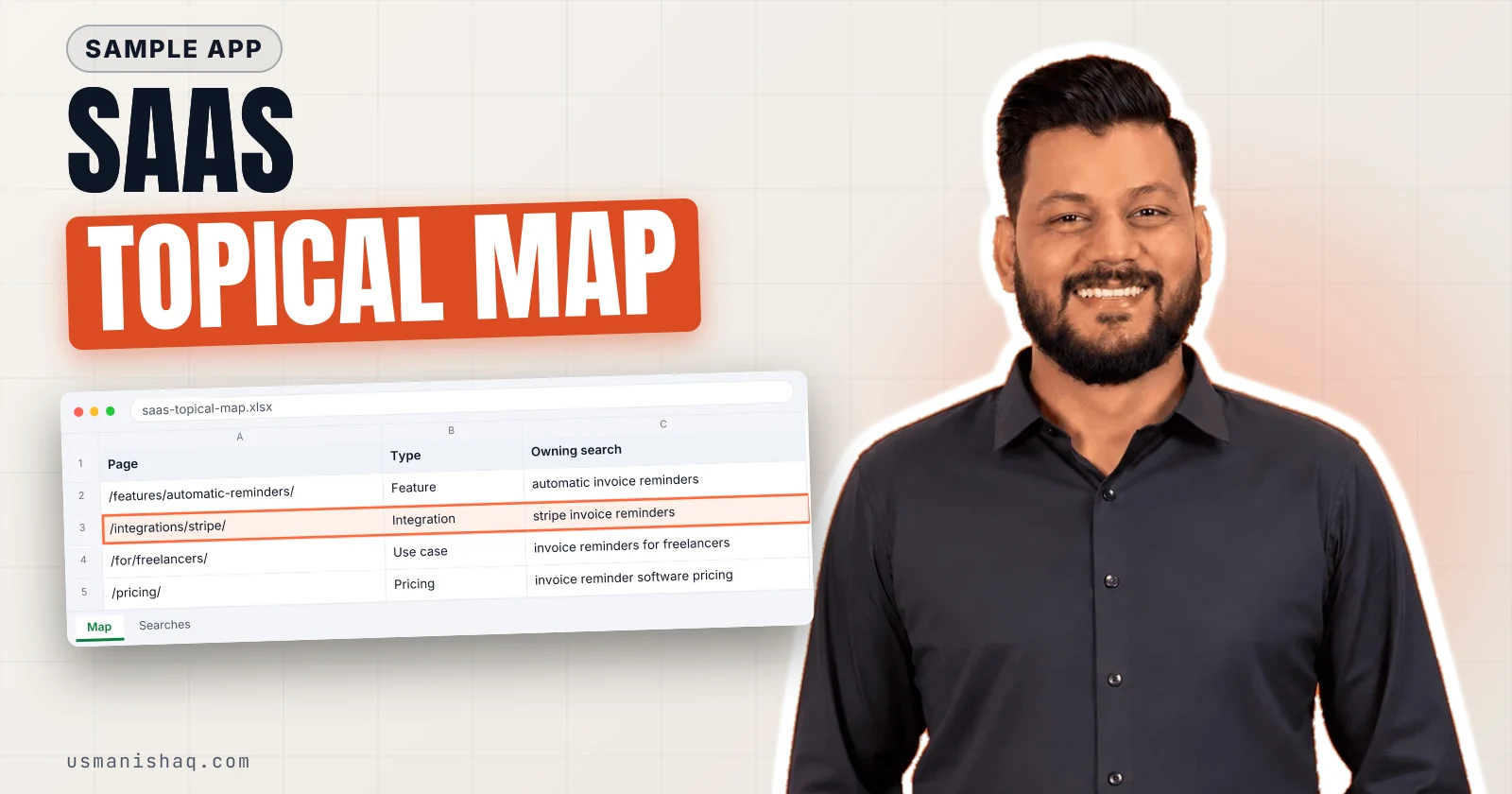
A topical map for a SaaS website is the plan of its product, feature, integration, use case, pricing and guide pages.
A trade website sells services in towns. SaaS sells one product, so the product sits in the center and the pages grow out of what it does.
Most guides to this search explain topic clusters and pillar pages, then stop before the sheet.
Everything about the sample invoice reminder app is invented, from its pages to its searches.
What is a topical map for a SaaS website?
A topical map for a SaaS website lists each page the product needs with its owning search, type and next step.
On a trade site the map follows services and towns. On a SaaS site it follows the product, the tools it connects to and the people who buy it. RankAI's guide gives each topic one URL owner and maps page types to funnel stages. TripleDart groups features into core pillar topics. I use both ideas and add two tests of my own.
In a Semantic SEO Architecture project, that list is fixed before the first page is built.
Which page types does a SaaS website need?
A SaaS website needs seven page types: home, feature, integration, use case, pricing, guide and documentation.
Each type answers a different search. Take the sample app that reminds clients to pay invoices. Its map holds twelve pages.
| Page | Type | Owning search | Next step |
|---|---|---|---|
| / | Home | invoice reminder software | Start trial |
| /features/automatic-reminders/ | Feature | automatic invoice reminders | Start trial |
| /features/payment-links/ | Feature | invoice payment links | Start trial |
| /features/late-fee-rules/ | Feature | late fee on invoices | Start trial |
| /integrations/stripe/ | Integration | stripe invoice reminders | Connect Stripe |
| /integrations/quickbooks/ | Integration | quickbooks invoice reminders | Connect QuickBooks |
| /for/freelancers/ | Use case | invoice reminders for freelancers | Start trial |
| /for/agencies/ | Use case | invoice reminders for agencies | Book a demo |
| /pricing/ | Pricing | invoice reminder software pricing | Start trial |
| /guides/chase-a-late-invoice/ | Guide | how to chase a late invoice | Go to automatic reminders |
| /guides/payment-reminder-email/ | Guide | payment reminder email template | Go to automatic reminders |
| /docs/set-up-reminders/ | Documentation | how to set up invoice reminders | Existing users only |
I keep documentation in its own folder, so help pages never compete with feature pages. Each row has one owning search. No two rows share one, and that is the point of the sheet.
Which page owns a search when two page types fit?
The noun in the search decides the owner, and a capability, tool or buyer each has its own page type.
I call this the name test. Read the search and find what it names. "Automatic invoice reminders" names a capability. "Stripe invoice reminders" names a tool. "Invoice reminders for freelancers" names a buyer. A problem with no product in it names a guide, and a task inside the app names documentation.
| Search | What it names | Owner |
|---|---|---|
| automatic invoice reminders | A capability | Feature page |
| stripe invoice reminders | A tool | Integration page |
| invoice reminders for freelancers | A buyer | Use case page |
| how to chase a late invoice | A problem | Guide |
| how to set up invoice reminders | A task in the app | Documentation |
Some searches name two things, such as Stripe invoice reminders for freelancers. My tie rule runs capability first, tool second and buyer third, so the integration page owns that one. That order is my habit, not a published rule, and it keeps one owner per search.
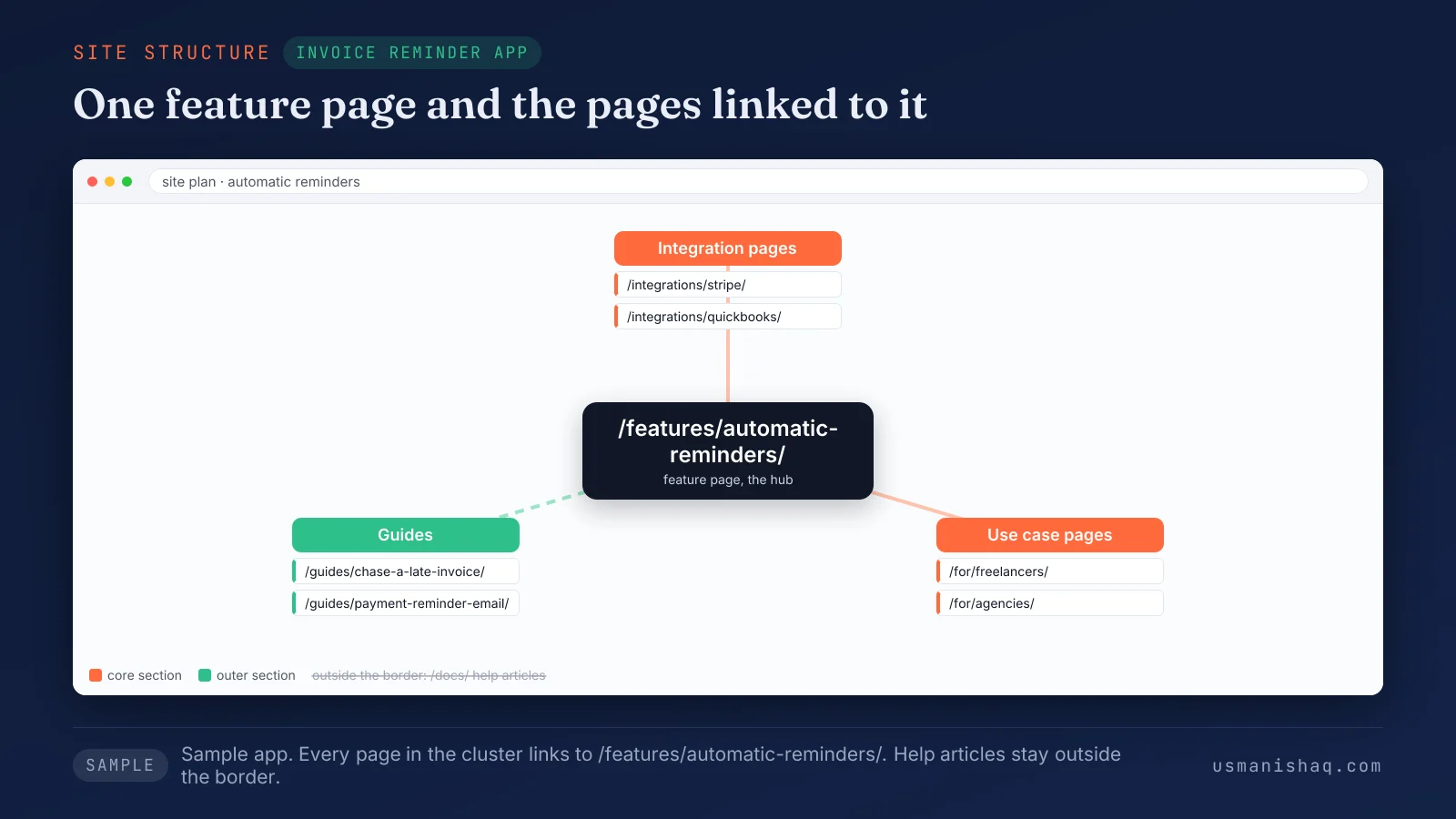
Every integration, use case and guide page then links to the feature page it feeds. In the sample, the Stripe and QuickBooks pages, both use case pages and both guides link to /features/automatic-reminders/.
The product test for each row
A row stays off a SaaS topical map when the product does not do it today or nothing shows that it does.
Every row passes four checks before it becomes a page. The product does it today. Proof is a screenshot, a doc or a release note. One search owns the row. A next step is named, such as a trial, a demo or a link to the feature page.
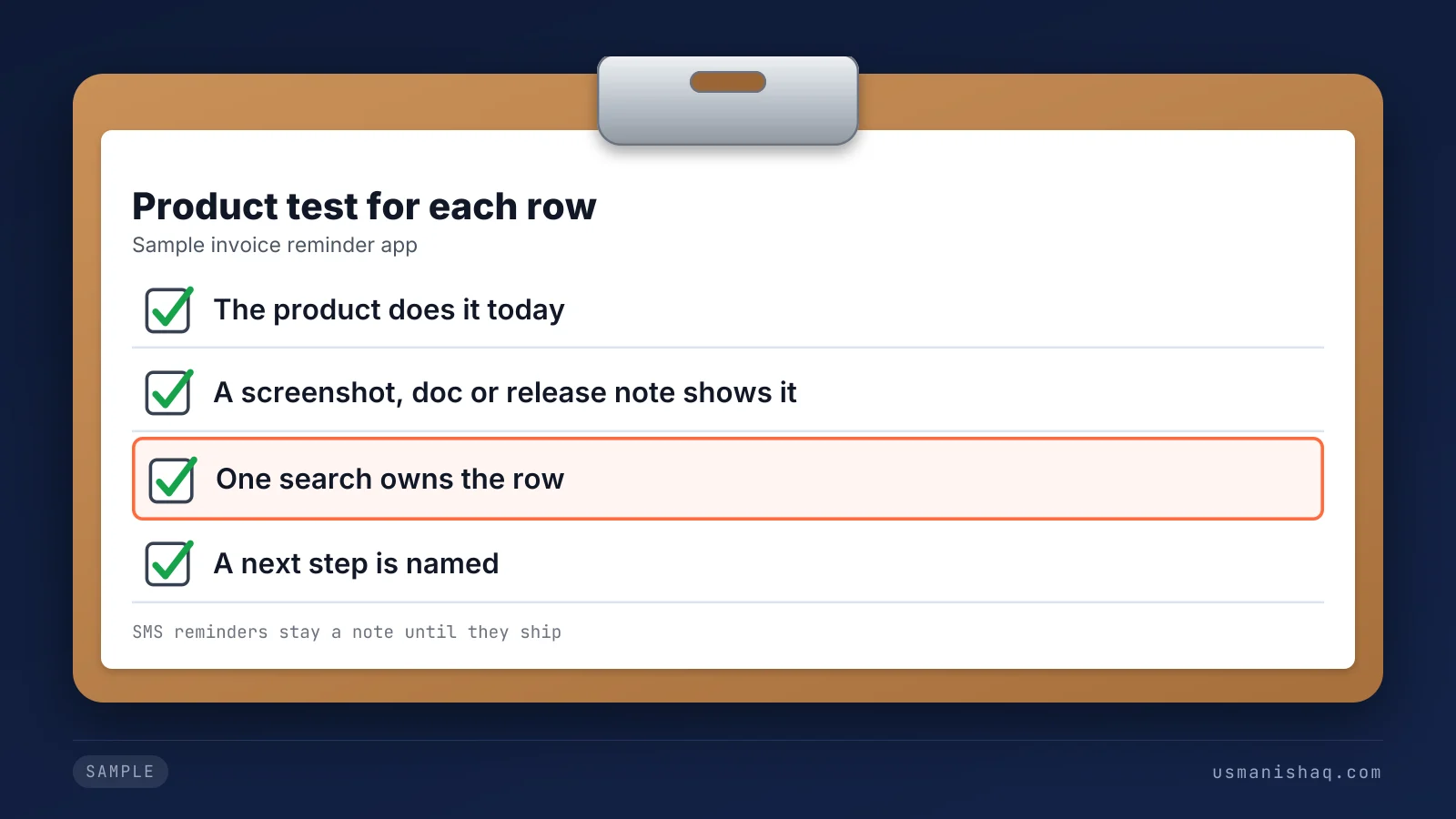
Say the sample app plans SMS reminders for next quarter. The sheet carries it as a note and builds no page. Building a page for a feature that does not ship yet sends a buyer to a trial that cannot do it.
Measuring a SaaS topical map
A SaaS topical map is measured per page type: trial starts or demos for product pages, clicks to product pages for guides.
Feature, integration, pricing and use case pages should bring trial starts. The agencies page in the sample should bring demo requests, since its next step is a demo. Guides should bring clicks to the automatic reminders page, and documentation serves people who already use the app.
Trial starts come from the app's own sign-up records, and Search Console shows impressions and clicks for each page. When a feature page has impressions and no trial starts, it needs a better answer. More pages will not fix it.
Questions SaaS founders ask about topical maps
Page count has no fixed answer, comparison pages need proof, and a SaaS blog needs the map too.
How many pages does a SaaS website need?
A SaaS website needs one page for each search that passes the name test, so no fixed number applies.
The sample has twelve. A product with fifteen features and ten integrations has many more rows. The test for each search is set out in which search earns a page of its own.
Comparison pages need honest differences
A comparison page earns a place on a SaaS map only when you can state real differences and show proof for each.
If you cannot show the differences, leave the row off.
Does a SaaS blog need a topical map?
Yes, a SaaS blog needs the map, because guides are the rows most likely to repeat each other.
The planning steps for any business website are in how to plan a topical map for a business website. One software example is a video downloader app's blog. It started with no posts in August 2025. Search Console shows 331k clicks for the whole domain from 27 August 2025 to 10 November 2026. The details are in a software SEO case study with Search Console results.
A SaaS topical map in short
A SaaS topical map gives each feature, tool, buyer and problem one page type and one owning search.
Run the name test on every search and the product test on every row. Unbuilt features stay off the sheet. I publish the product pages before the guides.