
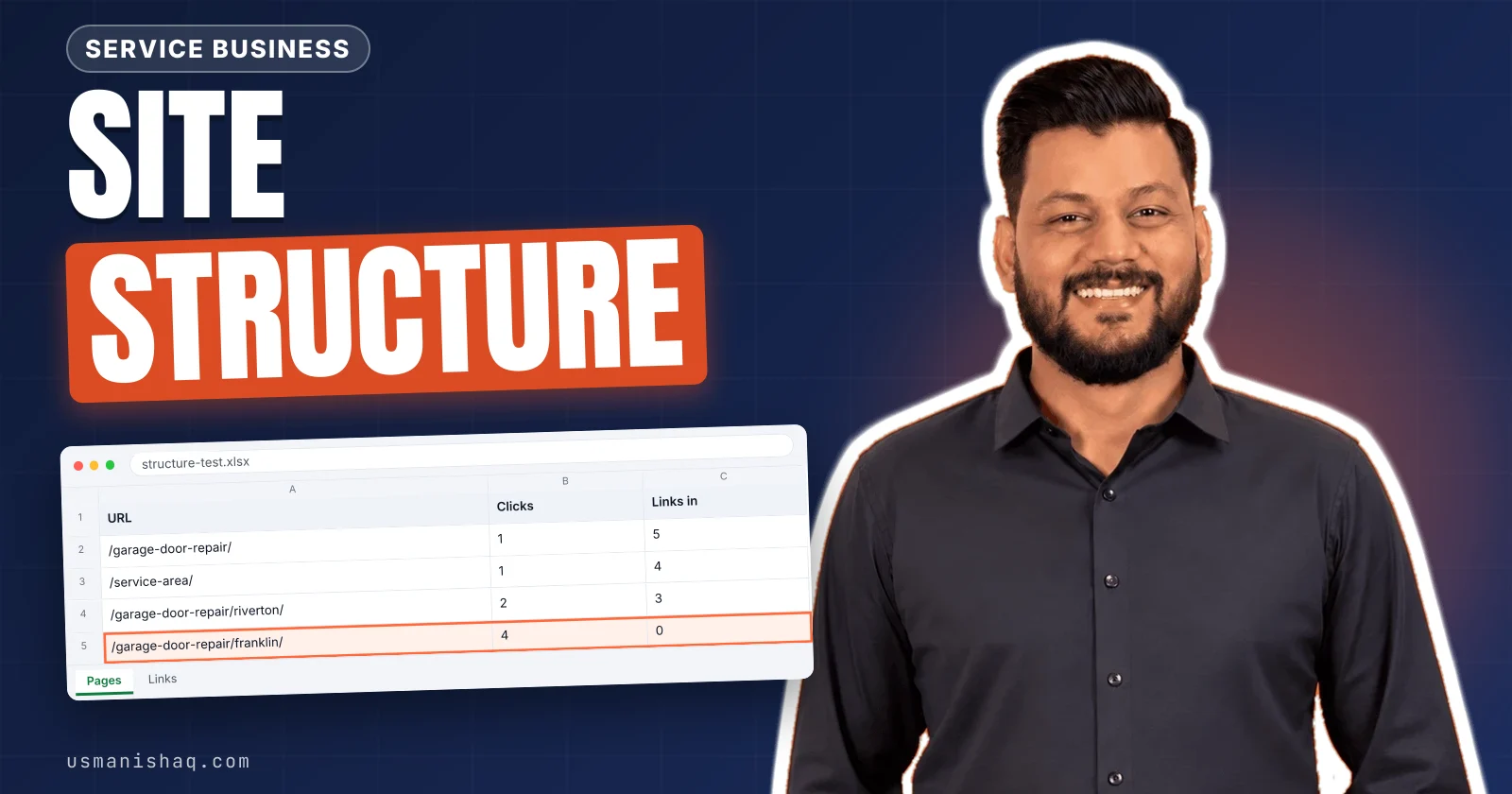
The website structure for a service business has three levels: home page, service pages and detail pages for towns and prices.
Structure means where each page sits, how many clicks away it is and which page links to it. The list of pages comes first, and the structure gives every page its place.
I check a structure with one sheet. Each URL gets a row with its clicks from the home page, its links in and its call route. A page that fails goes back on the plan. Nobody builds it yet.
The sample below is a garage door company in Riverton and Franklin. The business is invented, and so are the numbers.
What is the website structure for a service business?
The website structure of a service business is its levels, folders, menu and links, which give each page one place.
Think of a floor plan. The topical map lists the rooms, and the structure says which door leads to which room. A visitor who wants a quote should reach your phone number from any of them.
FieldPulse calls a tree with the home page on top and individual pages branching off the most common structure for service businesses. DreamHost starts from the goal of the site, such as a lead or a booking. I agree with both, and I add a test, because a tree on paper can still bury a page.
Choosing which pages exist is a separate job. A Semantic SEO Architecture page plan settles that before any folder is made.
How many levels does a service business website need?
A service business website needs three levels, and a visitor should reach any page in three clicks or fewer.
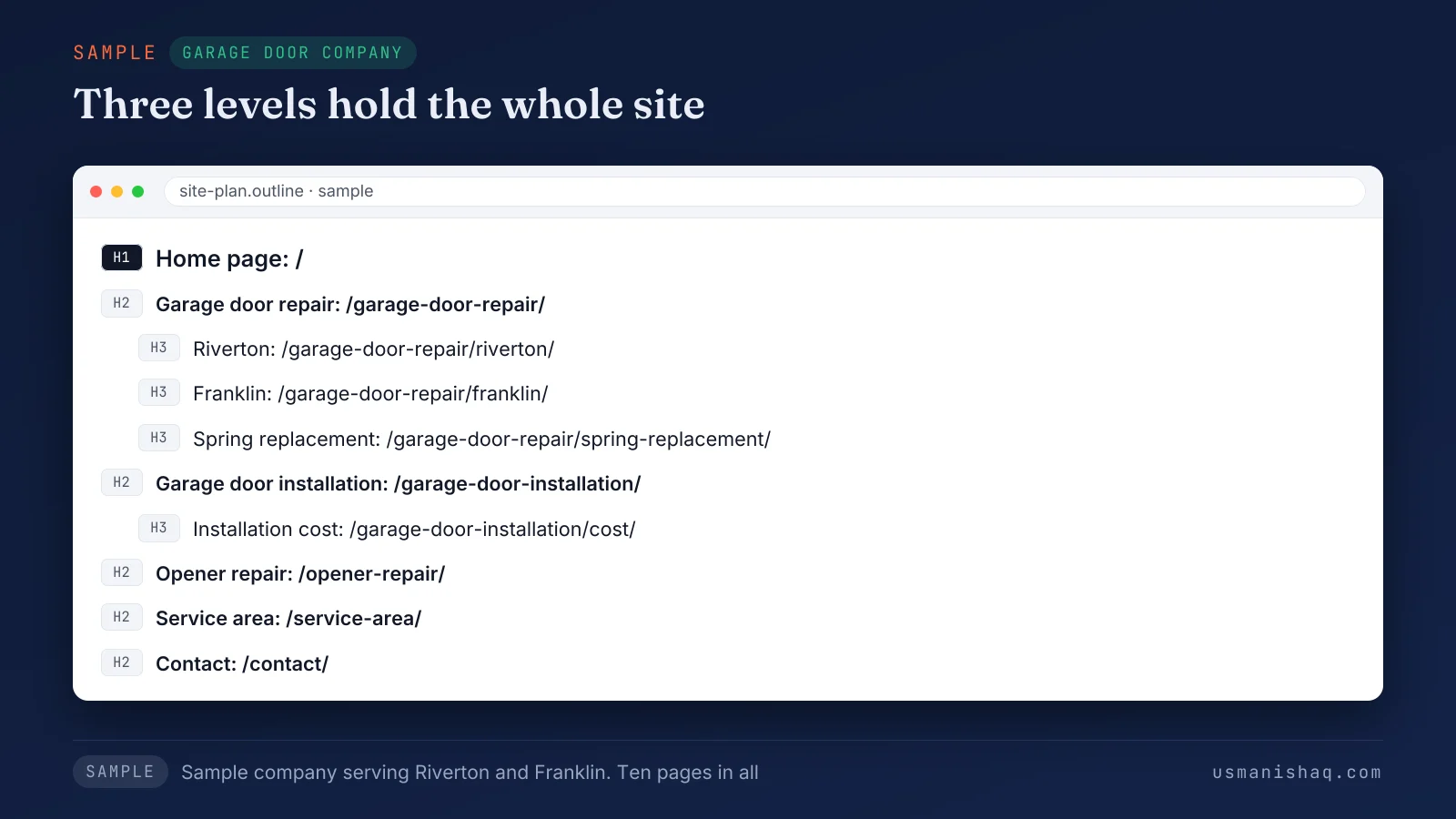
Level one is the home page. Level two holds one page for each service, plus contact and service area. Level three holds what belongs to a single service, such as a town page, a price page or a question page.
I stop at three because a fourth level usually means two services share a folder. The sample site has ten pages, set out in the table.
| Level | Page | Sample URL | Job |
|---|---|---|---|
| 1 | Home page | / | Names the business and links each service |
| 2 | Garage door repair | /garage-door-repair/ | Owns the repair search |
| 2 | Garage door installation | /garage-door-installation/ | Owns the installation search |
| 2 | Opener repair | /opener-repair/ | Owns the opener search |
| 2 | Service area | /service-area/ | Lists the towns and links to each town page |
| 2 | Contact | /contact/ | Holds the form and the phone number |
| 3 | Repair in Riverton | /garage-door-repair/riverton/ | Owns repair in one town |
| 3 | Repair in Franklin | /garage-door-repair/franklin/ | Owns repair in the second town |
| 3 | Installation cost | /garage-door-installation/cost/ | Owns the price question |
| 3 | Spring replacement | /garage-door-repair/spring-replacement/ | Owns one detail search |
The home page links to three services. Each service page links down to the pages inside its folder.
URL folders for a service business
A service business should name each URL folder after the service, then the town or detail, so addresses read as a path.
A town page lives inside its service folder. The address /garage-door-repair/riverton/ tells a visitor and a crawler what the page is. I put the service first because the service page is the hub, and the town page is one of its children.
Google's SEO Starter Guide recommends descriptive URLs, with words that help users judge a result. The same guide ties grouping similar pages in directories to sites with thousands of URLs. A service site with ten pages sits far below that. My reason for folders is a tidy build and clean links, and that part is my reading, not Google's advice.
Either order works. The whole site just has to keep one. When some town pages sit under services and others under towns, the links stop following the folders.
Menu and links between the pages
The menu of a service business website carries the services, the service area and the contact route, and links carry everything else.
I keep the main menu to five to seven items. Services sit in a dropdown, one item for each service page. Town pages stay out of the menu, because a menu with twenty towns buries the services.
Links do the deeper work. I use four link rules.
- Each service page links down to its town, price and question pages.
- Each of those pages links back up to its service page.
- The service area page links to every town page.
- Every page carries a phone number or a booking button.
FieldPulse puts the reason plainly. Every new page should be linked from at least one other relevant page, so the site has no orphan pages. The rules above are how I make that happen in a service site.
How do you test a website structure?
You test a website structure by listing each URL with its clicks from home, links in and call route, then fixing failures.
Open a sheet and add one row for each URL. Click depth comes from a site crawler or from clicking through yourself. Links in come from counting the pages that point at the URL.
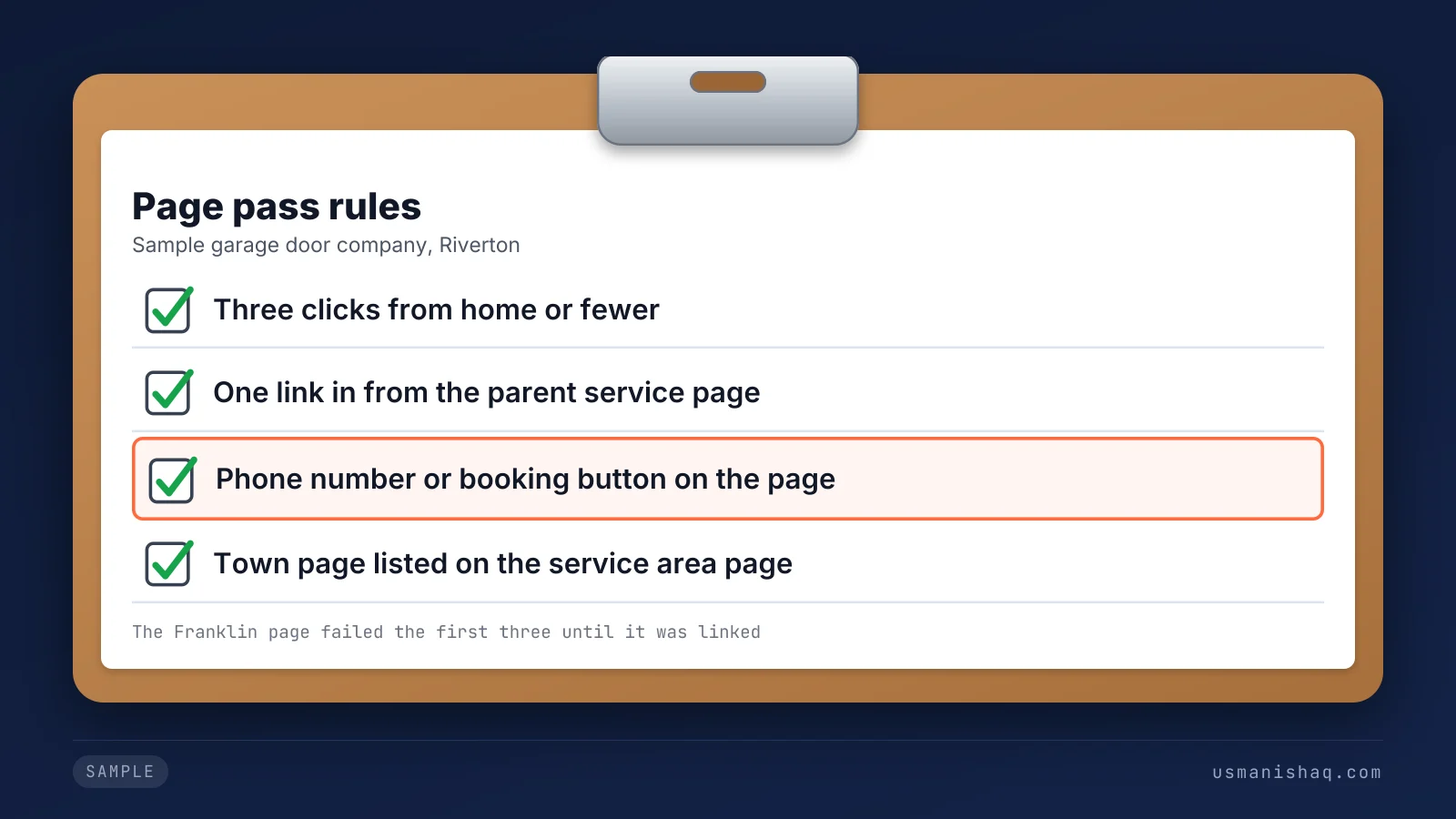
A page passes with three clicks or fewer from home, a link in from its parent and a call route. Those three limits are my working rules. Google does not publish them.
| URL | Clicks from home | Links in | Call route | Result |
|---|---|---|---|---|
| /garage-door-repair/ | 1 | 5 | Yes | Pass |
| /service-area/ | 1 | 4 | Yes | Pass |
| /garage-door-repair/riverton/ | 2 | 3 | Yes | Pass |
| /garage-door-installation/cost/ | 2 | 2 | Yes | Pass |
| /garage-door-repair/spring-replacement/ | 2 | 1 | Yes | Pass |
| /garage-door-repair/franklin/ | 4 | 0 | No | Fail |
Franklin fails all three. It sits four clicks deep, nothing links to it, and a visitor who lands there finds no phone number to call. Three edits fix it. List it on the service area page, link it from the repair page and put the phone number in the page header.
After those edits the Franklin page sits two clicks from home with two links in. Each fix is a link, so I run the test before I redesign anything.
Structure questions that come up after the first build
Post-launch questions have short answers: one page per service, no fixed page count, and local facts on town pages.
Should a service business have one Services page?
No, a service business should have one page for each service, with a Services page that only lists them.
One page that holds six services answers none of their searches at length. Keep the overview for visitors who are browsing and link it to each service page. How those links are worded is covered in how a service business links its pages.
How many pages should a service business website have?
A service business website should have one page for each service, plus one for each town where it can show work.
No fixed number applies. The sample site has ten pages. A company with one service in one town may need five. Your service list on the Google Business Profile should match the service pages. What must match between your profile and your website lists the details.
Town pages and the doorway rule
A town page earns its place when it carries a fact that belongs to that town alone.
Google's spam policies name pages made for specific regions or cities that funnel users to one page as doorway abuse. A page with the town name swapped is the case to avoid. In the sample, a Franklin page would list doors fitted on Franklin streets that year and the crew's drive time.
New town pages take time to bring calls. How soon a new town page brings calls shows what to expect.
Service business website structure in short
A service business website structure is three levels with service folders, parent and child links, and a call route on every page.
Test it with a sheet of URLs, clicks from home and links in. Fix the rows that fail, and build the pages in that order.